
Most accounting software switches do not happen after a single frustrating moment. They happen after months of small frustrations that finally add up to a decision. A pricing email that doubles your bill. A feature you need that is only available on a more expensive plan. A mobile experience so bad you stopped using it outside the office.
In 2026, business owners are switching at a higher rate than any time in the last decade. Cloud options have matured. Free alternatives are no longer limited tools. And the cost of staying with software that does not work for you has become clearer.
Here are the five reasons that come up most often, and what to look for so you do not end up in the same situation again.
Reason 1: Per-user pricing that punishes you for growing
This is the most common trigger for a switch. A business starts with one or two people using the accounting system. Then a part-time bookkeeper joins. Then a second co-founder needs access. Then the office manager needs to log expenses. Suddenly a subscription that cost one amount per month is costing three or four times more, not because the product got better but because more people need access.
Per-user pricing made sense when accounting software was installed on individual machines. In the cloud era, it is a pricing model that generates revenue by making collaboration more expensive.
What to look for instead: Software where upgrades are based on the number of companies you manage or the storage you use, not on the number of people in your team. Every plan should include a sensible number of users, and your whole team should be able to access the system without each person triggering an additional charge.
Reason 2: Multi-currency support is a paid add-on
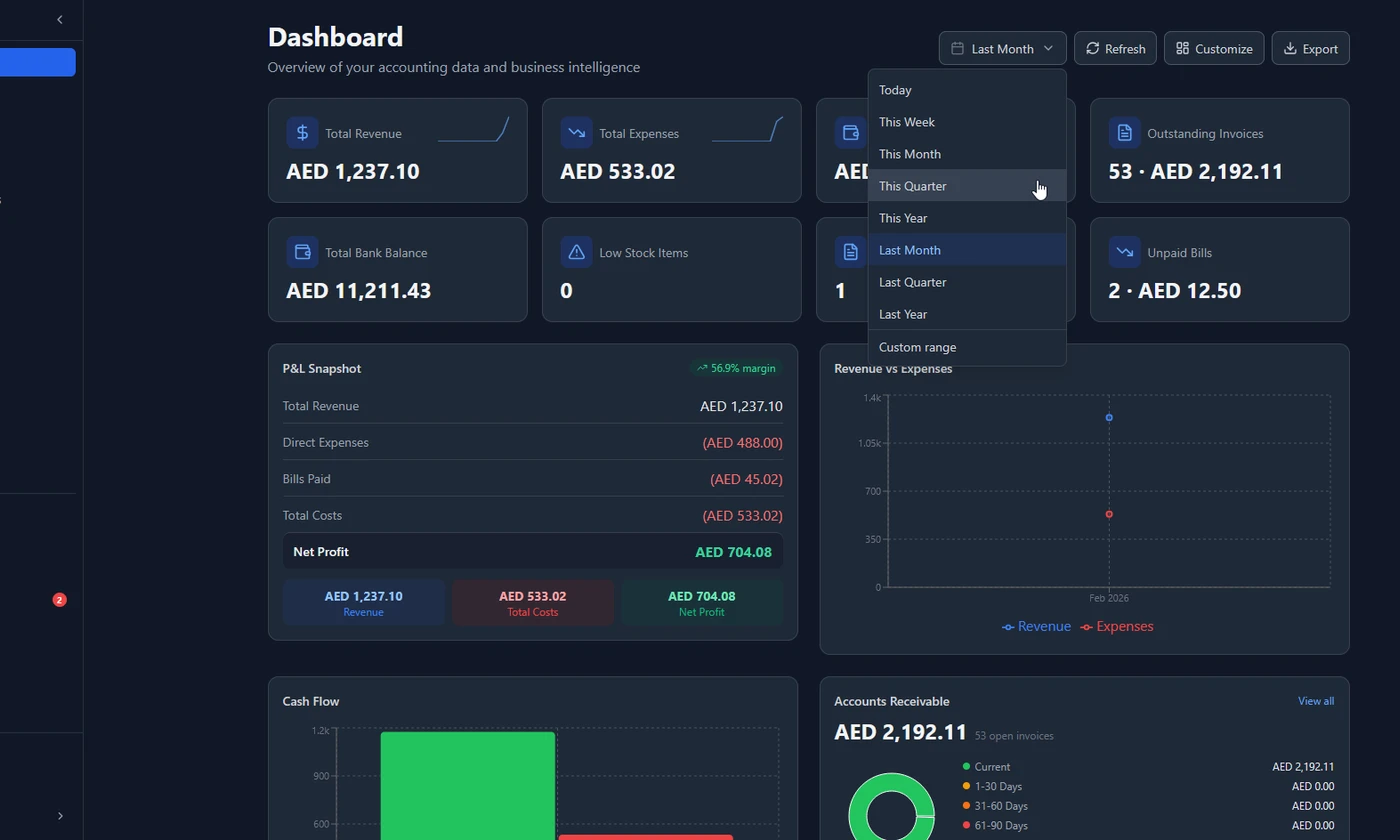
If your business operates internationally, multi-currency is not a premium feature. It is a basic requirement. But many accounting tools treat it as one, locking it behind higher plan tiers or adding it as a separate module at extra cost.
For a business in the UAE invoicing clients in USD and EUR alongside AED, or an Indian freelancer billing international clients in GBP, the inability to handle multi-currency on the base plan is a dealbreaker. Currency conversion errors, manual exchange rate lookups, and inconsistent reporting are the result.
What to look for instead: Multi-currency built into the core product, not a premium tier. Live exchange rates that update automatically. The ability to invoice in any currency while keeping your books in your base currency. Foreign exchange gain and loss tracked automatically, not calculated manually.
Reason 3: Mobile experience that barely works
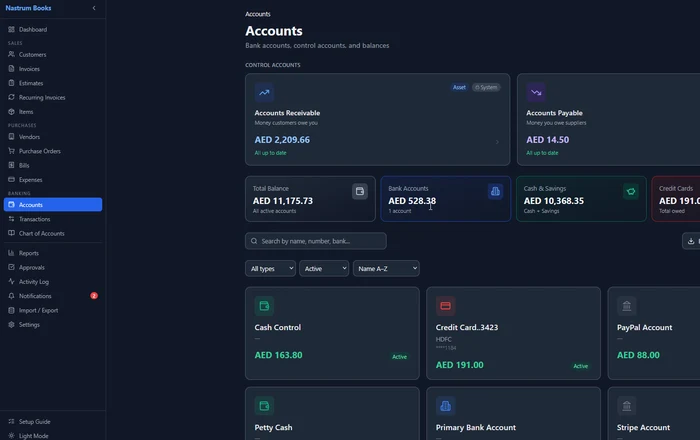
Accounting is not a desk-only activity. Logging an expense happens when you get the receipt, not two days later when you are back in the office. Checking whether a client has paid happens on your phone before a meeting, not when you eventually open the desktop app.
Most accounting tools were built desktop-first and retrofitted for mobile. The result is a mobile experience that requires constant pinching and zooming, has half the features of the desktop version, and gives up entirely on any advanced functionality.
What to look for instead: A genuinely responsive design that works on a phone browser without a native app required. Core tasks should be available and usable on mobile: creating an invoice, recording an expense, checking an account balance. If the mobile experience is an afterthought, the tool is not built for how business actually works.
Reason 4: No regional tax support
GST in India, VAT in the UAE and GCC, HST in Canada, GST/BAS in Australia. Every market has its own tax structure, and generic accounting software often handles one market well and leaves everyone else manually configuring workarounds.
The problem is not just the inconvenience. It is the compliance risk. If your software does not know that CGST and SGST apply on intra-state transactions in India, or that UAE invoices must include your TRN and display “Tax Invoice” on every document, you can spend months sending non-compliant invoices before anyone notices.
What to look for instead: Software where regional tax compliance is a first-class feature, not an afterthought. This means pre-configured GST rates for India, 5% UAE VAT, 10% Australia GST, UK 20% VAT, and Canadian HST/PST. It means your invoices automatically display the right fields for your market. And it means your tax reports give you the figures you need for filing, not a raw data export you have to process manually.
Reason 5: Forced annual contracts with no flexibility
Annual billing is reasonable when it comes with a genuine discount and a product worth committing to. The problem is when businesses are locked into an annual contract for a tool they outgrew or a tool that changed in ways they did not expect.
Price increases mid-contract, features removed from lower tiers, integrations discontinued without notice. These happen, and they happen more frequently when a vendor knows you are locked in for 12 months.
What to look for instead: Monthly billing as a standard option. Annual billing as a choice that saves you money (ideally 2 months free) rather than a requirement. A clear pricing page that shows exactly what each tier includes, with no hidden fees for things like additional users, multiple currencies, or advanced reports.
Nastrum Books is free forever for solo users. Upgrade only if you need more team members, multiple companies, or more storage. Every feature is always included.
Start Free →What to look for when you switch
Once you decide to move, these are the questions that will save you from switching again in 18 months.
Does the free plan actually include everything? Test it before committing. Create an invoice, run a P&L report, add a second currency. If any of these prompts an upsell, the “free” plan is not complete.
Is the mobile experience genuinely usable? Open the app on your phone and try to create an invoice and record an expense. If it feels broken or incomplete, it will be a daily frustration.
Does it support your tax jurisdiction out of the box? If you are in India, UAE, UK, Australia, Canada, or Singapore, verify that your specific tax requirements are handled without configuration hacks.
Can you export all your data? Your financial history belongs to you. Make sure CSV export is available for all modules before you commit.
What happens if you need more users? Ask specifically: what is the cost per additional user? What happens if you need to give access to a part-time bookkeeper or a co-founder? The answer tells you a lot about whether the pricing model is sustainable.
Making the migration easy
Switching accounting software sounds more painful than it usually is. Here is the realistic process:
- Export your data from your current tool — customers, vendors, transactions, chart of accounts (CSV export)
- Set up your new account — company info, tax settings, fiscal year, invoice template
- Import customers and vendors — most platforms support CSV import
- Enter your opening balances — what you owned and owed on your switch date (your accountant can provide these figures)
- Create your first invoice in the new system — from this point, everything is forward-looking
Most businesses complete the switch over a weekend. The opening balances setup is the part that takes the most thought, but it is a one-time task. After that, the new system handles everything going forward.
Frequently asked questions
Ready to make the switch? Nastrum Books is free to start, no credit card required. Every feature included on every plan. Start your free account.